
Silent Presence Controls & Settings Guide
Headphones, graphics, audio cues, and comfort tweaks for reading Silent Presence’s dark forests.
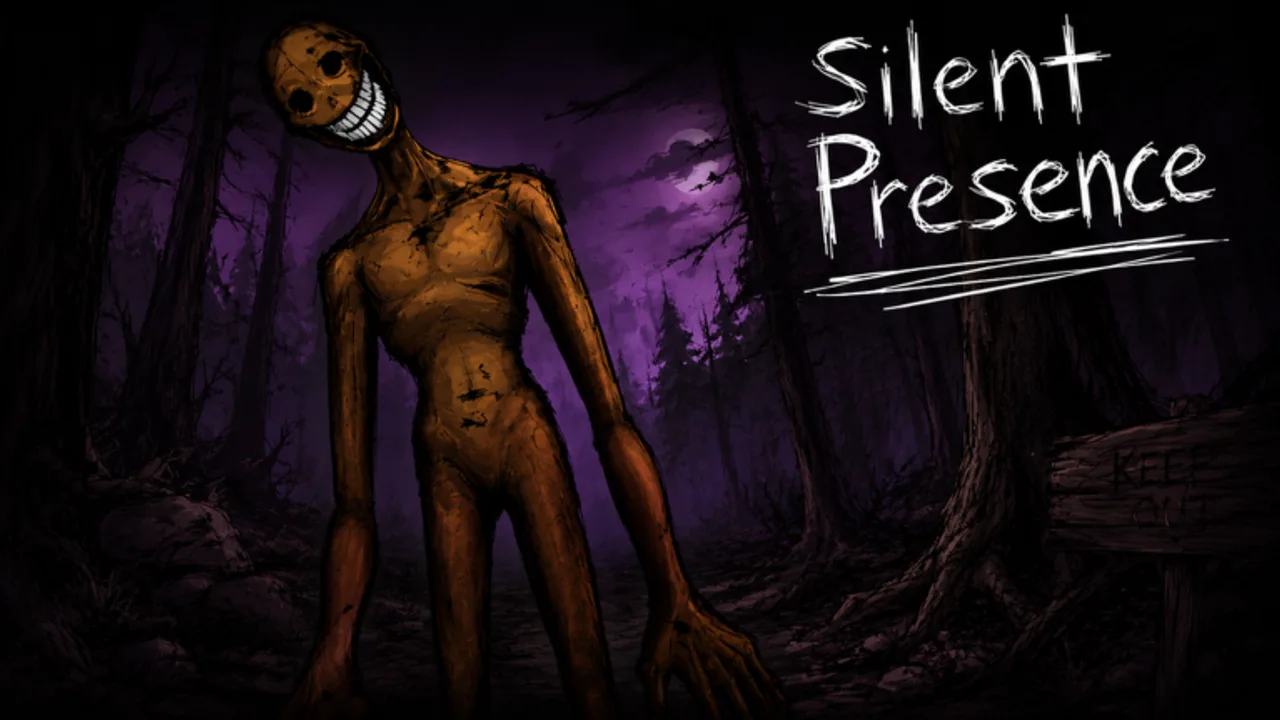
Silent Presence punishes players who treat settings as an afterthought. The Roblox asymmetrical horror loop — one monster, survivors hiding through a forest night — leans on silhouette reads and audio tells. This page is the practical controls and settings companion to Getting Started and How to Survive.
Exact keybinds can vary with your platform (keyboard, touch, controller) and any BETA rework UI shifts, so we focus on what to optimize and why, then send you in-game to confirm the current prompts.
Platform baseline
| Platform | Priority |
|---|---|
| PC | Headphones + stable frame rate + clear sprint key discipline |
| Mobile | Lower graphics until touch aim/camera stays smooth; external headphones help |
| Console / controller | Remap if needed so sprint and camera are comfortable under panic |
Roblox MorphToR6 keeps avatar collision relatively predictable compared to layered R15 chaos — still, your camera height and sensitivity matter when foliage fills the frame.
Audio: the real difficulty setting
If you remember one section, remember this one.
- Wear headphones. Speakers muddy directional footsteps in forest ambience.
- Raise game audio until you can hear your own walk distinctly from wind loops.
- Lower music / menu sweetener if it competes with gameplay cues (where the mixer allows).
- Disable unrelated Discord overlay ding spam or move voice to a balanced mix — friends matter, earclipping does not.
- Retest after the Sep 2026 rework — brand-new mechanics sometimes ship with new sound events.
Survivor rule of thumb from the survival guide: if you cannot hear, you are already down a rank versus Nosey-style pressure talk and any killer graded high on beginner threat in the entity tiers.
Monster rule of thumb from the monster guide: audio lets you skip empty dens and punish noisy stacks.
Graphics: read the dark without melting your GPU
Silent Presence footage leans into gloom. Push settings to serve readability:
- Brightness / gamma: dark enough to keep mood, bright enough to separate tree trunks from threats.
- Shadows: help depth; drop them if they murder FPS mid-chase.
- Effects / post-processing: reduce if bloom hides silhouettes.
- View distance: keep enough to spot rotates on lanes you are trying to control.
- FPS cap / VSync: prefer stable frame times over unlocked fireworks — camera micro-stutters feel like audio lies.
Mobile players: a locked smooth 30 with readable contrast beats a pretty slideshow when Elberr pressure hits.
Movement & camera habits (controls in practice)
Regardless of bind labels:
- Know exactly which input sprints. Panic fingers mash the wrong thing.
- Practice walk ↔ sprint bursts so you can stop broadcasting on command.
- Lower sensitivity if you overflick into trees when scared; raise it if you cannot shoulder-check corners.
- Keep important HUD elements from covering the center scare lane.
- On touch, enable whatever shift-lock / camera assist you personally track better — consistency beats theory.
Do a two-minute drill in a quiet moment: walk a lane, stop cold, listen, sprint three steps, stop again. That drill transfers directly into survival nights.
Comfort & accessibility
Horror should be optional intensity, not a headache machine:
- Take breaks between nights — ten-player social rounds can spike adrenaline.
- If jump-scares are too much, lower headset volume slightly while keeping directional detail, or play with friends who can call for you.
- Seated posture and cable management sound silly until a yanked headphone jack costs a round.
- Photosensitivity: if a future effect strobes after a patch, drop effects and check Updates for notes.
Party / social settings
Silent Presence wants you playing with friends. Before the queue:
- Agree on a callout language (short vectors).
- Set Discord or Roblox voice so game audio still wins.
- Decide who is on “ears” duty.
- Favorite the experience together using the link on Official Links so nobody joins a copycat place.
Troubleshooting checklist
| Symptom | Try this |
|---|---|
| Cannot hear footsteps | Headphones, raise game SFX, close browser tabs eating the device |
| Scare is pure black | Raise brightness carefully; lower heaviest post effects |
| Chase stutters | Drop shadows/effects; close background apps |
| Controls feel alien after patch | Re-open in-game prompts; rework UI may have shifted |
| Suspect a bug, not your setup | Requeue; softlocks happen in BETA — see rework notes |
What settings cannot fix
No slider replaces discipline. Codes will not save a noisy sprint (Codes Hub still shows none verified). Scripts that claim ESP are a ban vector (Scripts). Skill pages still matter: Guides Hub, killer reads on Players, pressure grades on Tier List.
Related pages
Frequently Asked Questions
Quick answers for Silent Presence Roblox nights.
Do I really need headphones for Silent Presence?
Yes if you care about surviving. Directional audio is a core readability tool in dark forest lobbies.
What graphics preset should I use?
The highest preset that keeps frame times stable and silhouettes readable. Drop shadows and heavy effects first if you stutter.
Controls feel different after the rework — is that normal?
BETA reworks can change UI and feedback. Recheck in-game prompts and skim Sep 2026 Rework notes.
Can settings alone make me good?
No — they remove avoidable disadvantages. Combine them with How to Survive or the monster guide.